
A plain-English guide for business owners
You’ve probably seen the word “passkey” pop up more often this year — a prompt from your phone, a new sign-in option in Microsoft 365, an app suggesting you “create a passkey instead.” It’s not a gimmick, and it’s not going away. Microsoft made passkeys the default sign-in method for Microsoft 365 and Entra ID in September 2026, and Google, Apple and most major platforms have been pushing the same shift for a couple of years now.
So what actually is a passkey, how is it different from a password, and does it matter for your business? Here’s the plain-English version.
The short version
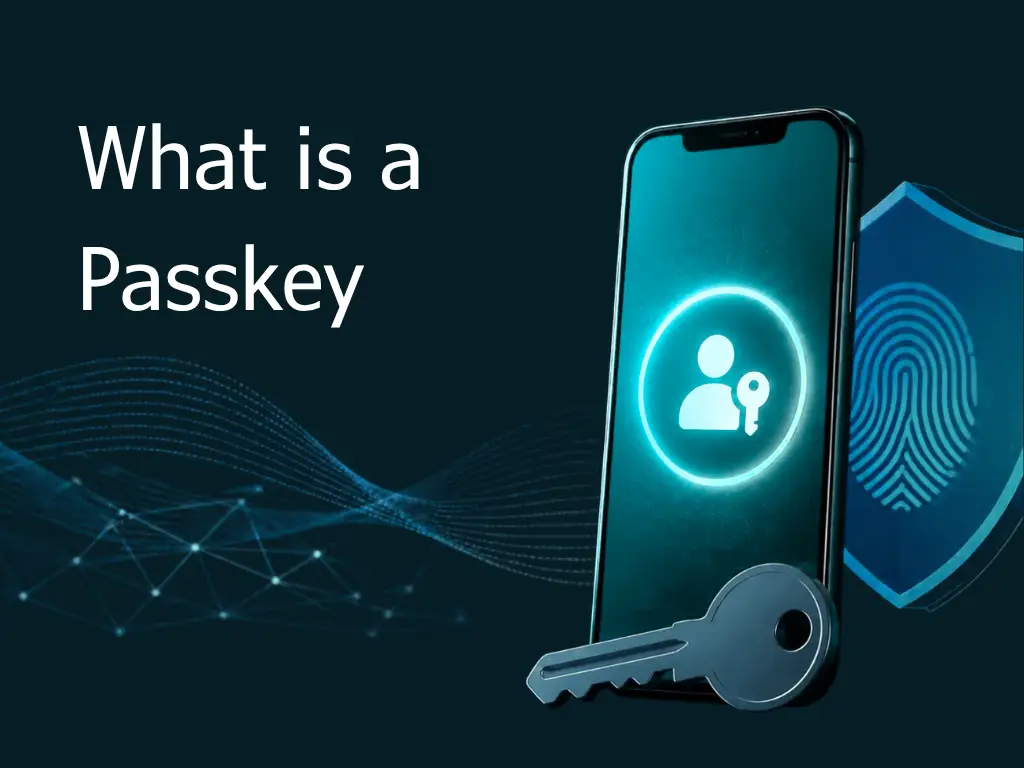
A passkey is a way of proving it’s really you signing in, without typing anything secret. Instead of a word or phrase you type (and an attacker can steal), your device holds a unique digital key, and you unlock it with your face, fingerprint, or device PIN — the same way you already unlock your phone.
Password vs passkey, side by side
| A PASSWORD | A PASSKEY |
| Something you create and remember (or write down). | Something your device generates and stores for you. |
| The same secret is typed in every time you log in. | Nothing secret is ever typed or sent anywhere. |
| Can be phished by a fake login page that looks real. | Can’t be phished — a fake site simply can’t use it. |
| Often reused across multiple accounts. | Unique to each account and each device, automatically. |
| Leaked in data breaches when a company gets hacked. | There’s no shared secret sitting on a company’s server to leak. |
How it actually works, without the jargon
When you set up a passkey for an account, your device quietly creates two mathematically linked keys. One — the private key — never leaves your device; it’s protected by your face, fingerprint or PIN. The other — the public key — is sent to the website or service and stored there.
When you sign in, the service sends a challenge that only your private key can answer correctly. Your device answers it locally, after you unlock it, and sends back the proof — not the key itself. The website never sees, stores, or transmits anything an attacker could steal and reuse elsewhere. That’s the whole trick: there’s no secret changing hands for a scammer to intercept.
Why this is a genuinely bigger deal than it sounds
- Phishing stops working the way it used to. A fake “Microsoft 365 login” page can trick someone into typing a password, but it can’t trick a passkey into responding — the passkey only works with the real website it was created for.
- Nothing to leak in a breach. Passwords sitting in a company’s database are a constant target; passkeys don’t create that kind of stockpile because there’s no shared secret to steal in bulk.
- It removes the human weak point. Most successful attacks rely on someone being tricked, rushed, or careless with a password. Passkeys take that decision out of the equation almost entirely.
- It’s usually faster, not slower. A fingerprint or a glance at your phone is quicker than typing and remembering a complex password — security and convenience point the same way for once.
The two kinds of passkeys you’ll come across
It’s worth knowing there are two flavours, because they suit different situations:
Synced passkeys — stored in a phone or browser’s built-in password manager (Apple’s iCloud Keychain, Google Password Manager, etc.) and copied securely across a person’s own devices. Convenient for personal accounts and BYOD staff.
Device-bound passkeys — tied to one specific device or a physical security key (Windows Hello, a FIDO2 USB key). They never leave that device, which gives IT tighter control — a better fit for company-managed laptops and higher-risk accounts.
What this means for your business
You don’t need to overhaul everything overnight, but it’s worth knowing where you stand:
- Microsoft 365 already supports passkeys, and — as of September 2026 — offers them as the default sign-in method for Entra ID accounts, nudging users who currently rely on SMS or voice codes to switch.
- Not every piece of software your business uses supports passkeys yet, so passwords (ideally backed by a password manager and MFA) aren’t disappearing completely — they’re just no longer the first line of defence.
- Rolling out passkeys works best in stages: start with the highest-value accounts (email, admin, finance), decide between synced and device-bound based on whether devices are personal or company-owned, and give staff a short, clear walkthrough rather than assuming it’s self-explanatory.
Where Prime Potential comes in
If you’re weighing up whether — and how — to roll passkeys out across your business, that’s exactly the kind of thing we help clients plan properly: working out which accounts to move first, which type of passkey fits your setup, and making sure staff aren’t caught off guard by a change that’s meant to make their lives easier. Get in touch if you’d like a hand thinking it through.
Get in touch today; head to our contact page to reach out to us directly Contact Us – Prime Potential